
Keep the order in view.
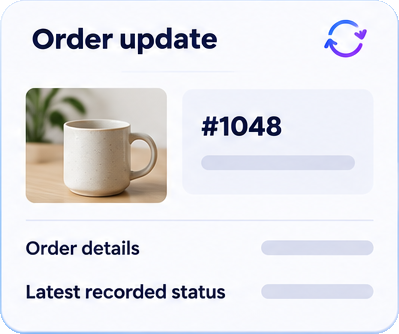
Review updated order details before your team follows up.
Bring marketplace orders, item details and delivery updates into one workspace—so your team can focus on what needs attention.
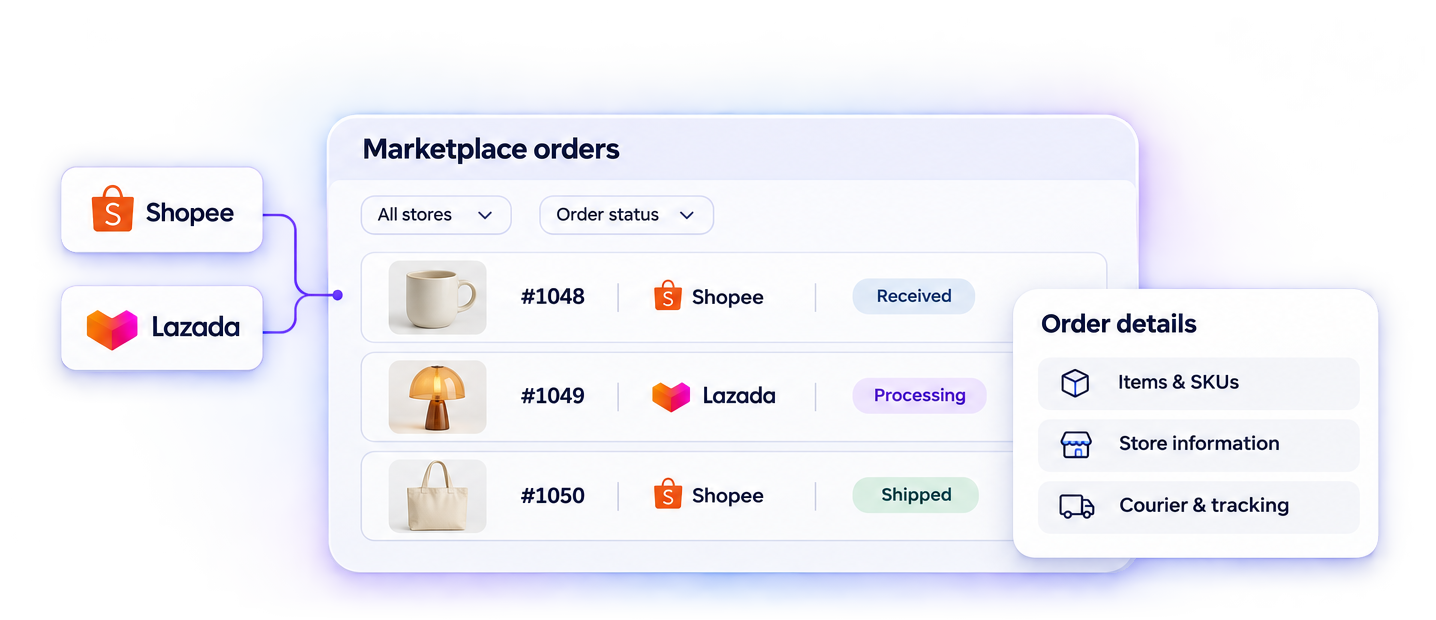
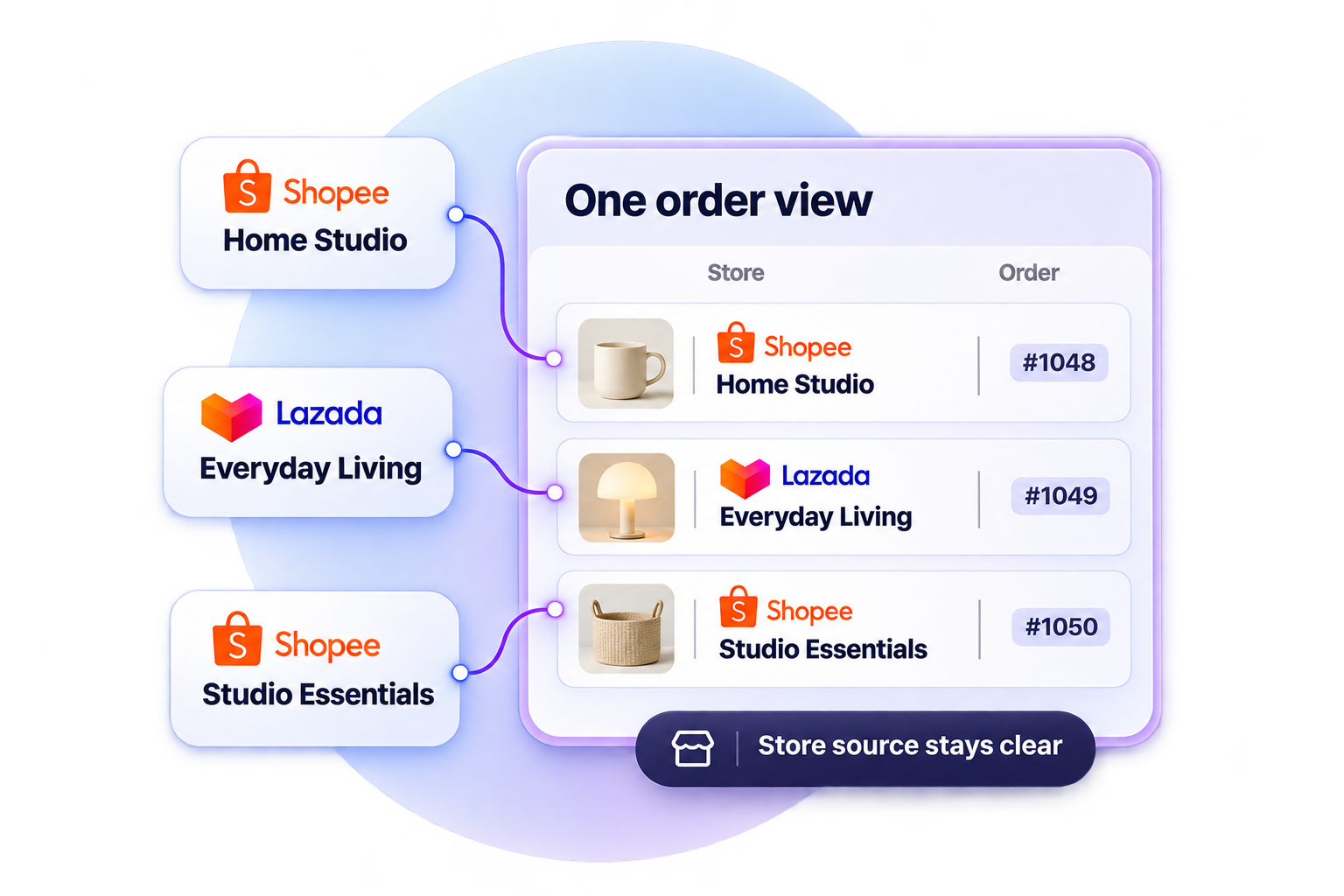
Spend less time moving between store accounts. Review marketplace orders together, with the store behind every order kept clear.
Narrow the view by store, marketplace or order status—so your team can find what needs attention without searching every account.
Keep purchased items, quantities, SKU references and delivery information close at hand—so your team can review an order with a clearer understanding of what was sold.
Keep marketplace SKU references connected to your catalogue—so your team can clearly identify what was sold, even when each store uses a different code.
Keep order updates and tracking information in view, and revisit missing records—so your team knows where to look next.
Review updated order details before your team follows up.
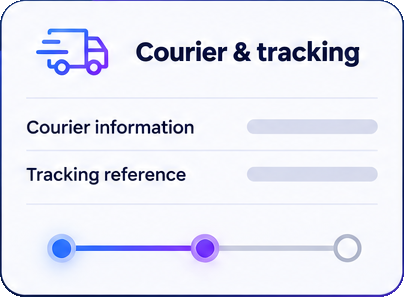
See courier and tracking references alongside the order.
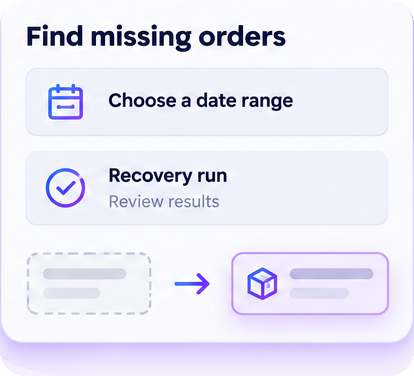
Recheck a selected period for orders that did not appear.
Optional add-ons
Add supported marketplace stores.
+RM100 / store / month
Discuss your setupUsage allowances and provider limits are confirmed before activation.
Marketplace is an optional add-on to your selected plan. The fee is charged per store, per month.
Yes. Review orders from connected stores together, with each order retaining its store and marketplace reference.
Review purchased items, quantities, SKU references, order status and available courier and tracking information.
Review order updates and tracking references, or recheck a selected date range for missing orders. Availability depends on the connected platform and its updates.
Tell us where you sell and how your team handles orders. We’ll help you shape a setup around your stores and working routine.
Request a demo